

Invoice Generator: Create professional invoices quickly


Solvision’s Invoice Generator: Create Professional Invoices Quickly
Solvision’s Invoice Generator is a powerful and user-friendly tool designed to streamline the invoice creation process for businesses of all sizes. This innovative software solution allows users to create professional-looking invoices quickly and efficiently, saving time and ensuring a polished presentation for clients.
- With an intuitive interface and a wide range of customizable templates, Solvision’s Invoice Generator caters to various industries and business needs. Users can easily input client information, itemize products or services, and add personalized touches such as company logos and custom color schemes. The software automatically calculates totals, taxes, and discounts, reducing the risk of human error and ensuring accuracy in billing.
- One of the standout features of Solvision’s Invoice Generator is its ability to generate invoices in multiple currencies, making it ideal for businesses with international clients. The software also offers recurring invoice functionality, perfect for subscription-based services or regular billing cycles.
- Solvision’s Invoice Generator integrates seamlessly with popular accounting software and payment gateways, allowing for effortless financial management and faster payment processing. The cloud-based nature of the tool ensures that users can access and create invoices from anywhere, at any time, using various devices.
- Security is a top priority for Solvision, with robust encryption and data protection measures in place to safeguard sensitive financial information. The software also provides detailed reporting and analytics features, giving businesses valuable insights into their invoicing patterns and cash flow.
Whether you’re a freelancer, small business owner, or part of a large corporation, Solvision’s Invoice Generator offers a comprehensive solution to create professional invoices quickly, efficiently, and with minimal effort. By automating and simplifying the invoicing process, businesses can focus on what truly matters – growing their operations and serving their clients.
Solvision’s Invoice Generator: Create professional invoices quickly Tool
Solvision’s Invoice Generator
Getting Started with Solvision’s Invoice Generator
Begin your invoicing journey with Solvision’s comprehensive invoice generator. This powerful tool streamlines your billing process with an intuitive interface designed for businesses of all sizes. Create your account and access a range of professional features to manage your financial documentation efficiently.
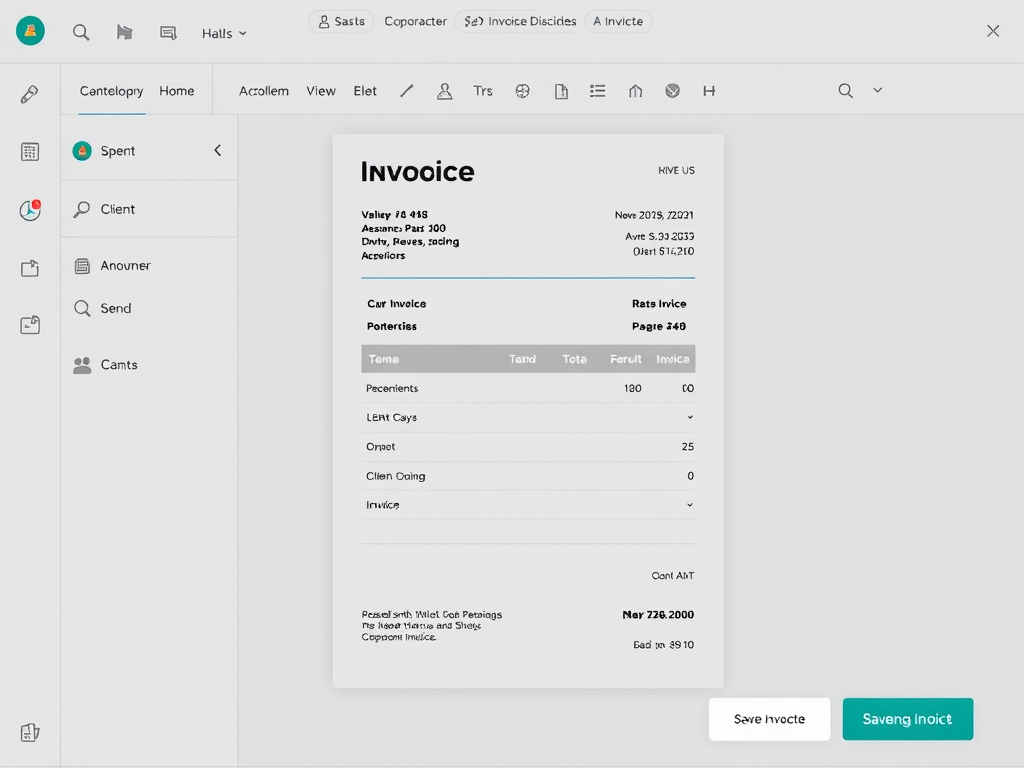
Accessing the Invoice Generator
Access the invoice generator through your Solvision dashboard after logging in. The system is available 24/7 from any device with internet connectivity, making it convenient to manage your invoicing needs from the office or on the go. New users can easily navigate to the invoicing tool directly from the tools section.
Customizing Your Invoice Template
Personalize your invoices with Solvision’s extensive template customization options. Add your company logo, choose color schemes that match your branding, and select from multiple professional layouts. These customization features ensure your invoices reflect your company’s unique identity and professional services.
Entering Client Information
Efficiently manage your client database by entering and storing client details for future use. The system allows you to save addresses, contact information, and specific billing requirements for each client, streamlining the invoice creation process for repeat customers.
Adding Line Items and Services
Easily add products and services to your invoices with the line item feature. Define quantities, rates, and descriptions for each item with precision. The system supports both standard and custom service entries, perfect for businesses with diverse service offerings.
Calculating Totals and Taxes
Solvision’s invoice generator automatically calculates subtotals, taxes, and final amounts based on your inputs. The system supports multiple tax rates and configurations to accommodate different jurisdictions and business requirements, ensuring accurate financial documentation.
Applying Discounts and Special Offers
Implement various discount structures including percentage-based, fixed amount, and early payment incentives. The system allows you to highlight special offers and promotional discounts on your invoices, helping you manage customer relationships while maintaining clear financial records.
Previewing Your Invoice
Review your invoice before finalizing it with the comprehensive preview feature. This functionality allows you to spot and correct any errors, adjust formatting, and ensure all information appears exactly as intended before sharing with clients.
Saving and Downloading Your Invoice
Save your invoices securely in the cloud and download them in multiple formats including PDF, Excel, and CSV. The system maintains an organized archive of all your billing documents, making it easy to retrieve historical invoices when needed.
Sending Invoices to Clients
Distribute invoices directly to clients through integrated email functionality. Schedule automatic invoice delivery, include personalized messages, and track when clients view your invoices. The system also supports secure client payment portals for immediate action.
Managing Multiple Invoices
Organize and monitor numerous invoices with Solvision’s comprehensive management dashboard. Sort, filter, and search through your invoice history with ease. The batch processing features allow you to handle multiple invoices simultaneously, perfect for busy billing periods.
Integrating with Accounting Software
Seamlessly connect your invoice generator with popular accounting platforms through Solvision’s robust integration capabilities. This eliminates double data entry and ensures your financial records remain synchronized across all your business systems.
Tracking Payment Status
Monitor the payment status of all your invoices in real-time. The system provides automatic reminders for overdue payments and offers insights into client payment patterns. Create customized payment schedules for clients with special arrangements.
Generating Reports and Analytics
Access detailed financial reports and analytics to gain insights into your business performance. Visualize revenue trends, identify top clients, and analyze payment efficiency through interactive dashboards that help inform strategic business decisions.
Troubleshooting Common Issues
Find solutions to frequently encountered problems through Solvision’s comprehensive help documentation. The dedicated support team is available to assist with technical issues, and the regularly updated blog offers tips and best practices for maximizing the invoice generator’s capabilities.
Learn more about Solvision on our About page or explore our full range of services and tools. For assistance, please contact us or visit our blog for the latest updates and tips.
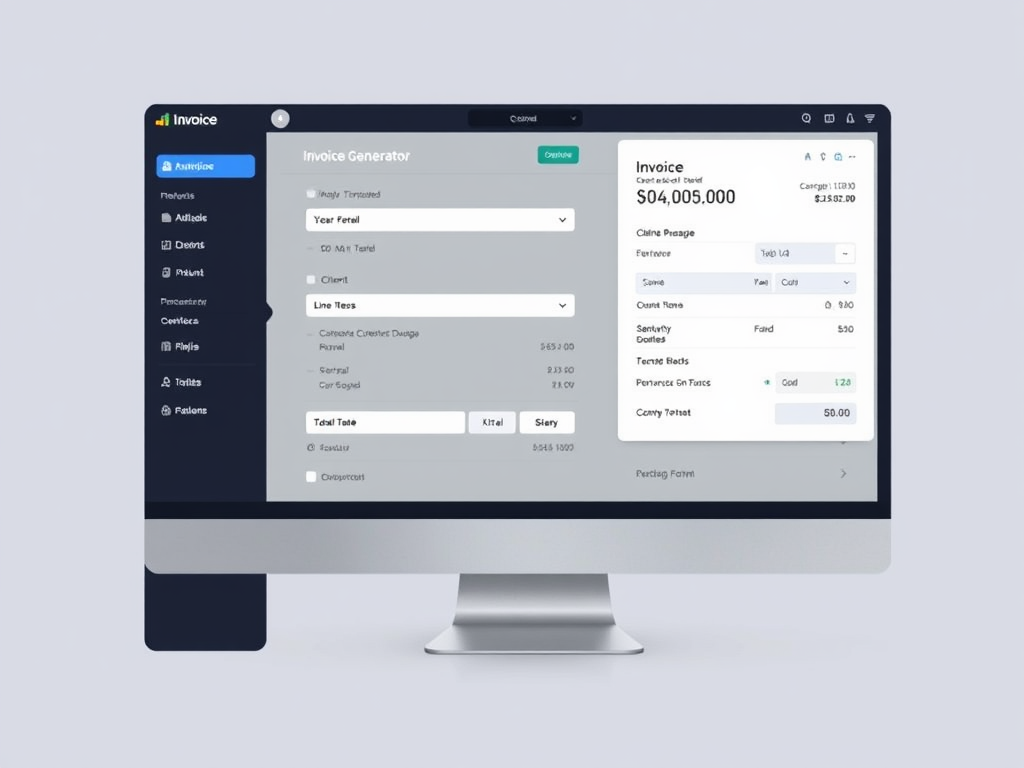
Frequtely Asked Questions About – Solvision’s Invoice Generator: Create professional invoices quickly Tool
1. Q: How does Solvision’s Invoice Generator work?
A: Solvision’s Invoice Generator is a user-friendly tool that allows you to create professional invoices quickly. You simply input your business and client details, add line items for products or services, and the tool automatically generates a polished invoice ready for sending.
2. Q: Can I customize the invoice template to match my brand?
A: Yes, Solvision’s Invoice Generator offers customization options. You can add your company logo, choose from various color schemes, and select different layouts to create invoices that align with your brand identity.
3. Q: Is it possible to save and reuse client information for future invoices?
A: Absolutely. The tool allows you to save client details, making it easy to generate invoices for repeat customers without re-entering their information each time.
4. Q: Can I generate invoices in different currencies?
A: Yes, Solvision’s Invoice Generator supports multiple currencies. You can select the appropriate currency for each invoice, making it convenient for businesses dealing with international clients.
5. Q: Is there an option to send invoices directly from the tool?
A: Yes, the Invoice Generator includes a feature to send invoices directly via email. You can also download the invoices as PDF files if you prefer to send them through other means or keep them for your records.