


Why the Solvision Automated Invoice Tool Is the Smartest Solution for Simplifying and Modernizing Your Business Invoicing
Introduction
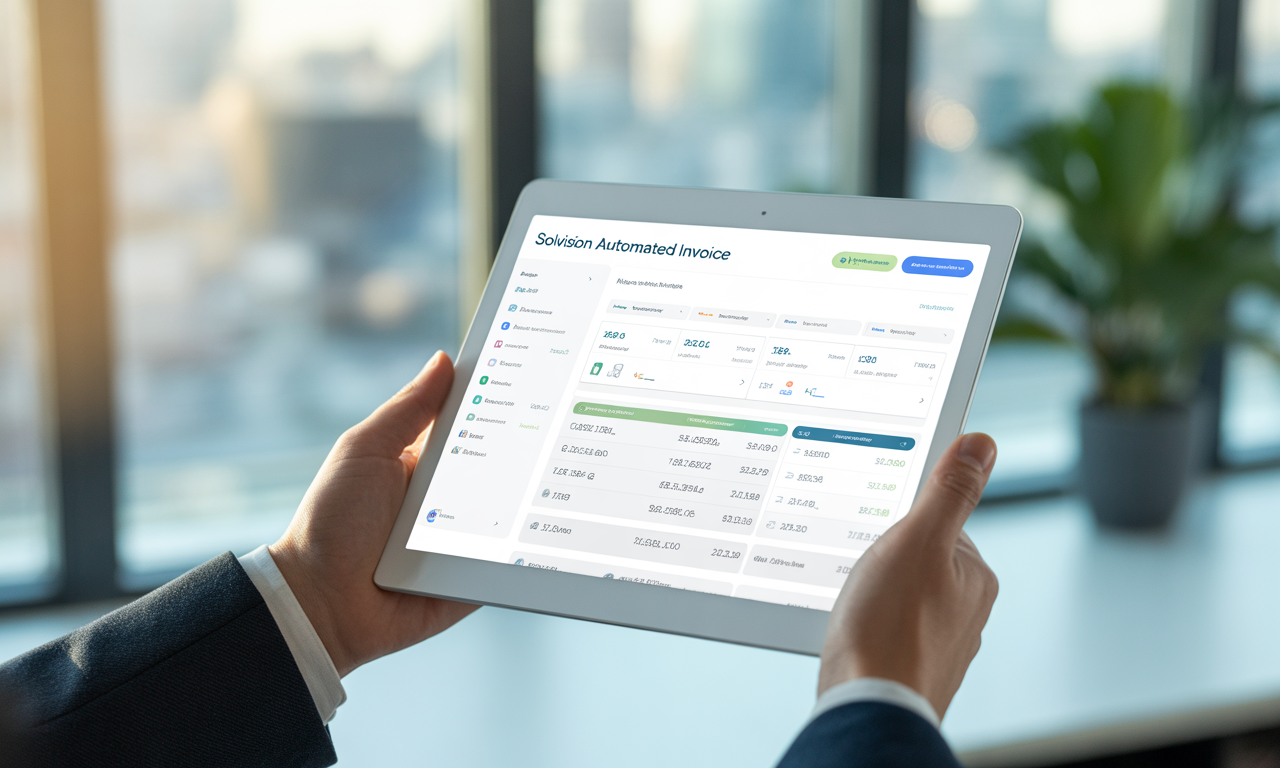
In today’s fast-paced business world, efficient invoicing is critical for maintaining healthy cash flow and streamlining financial operations. Manual invoicing processes, often prone to errors and delays, can significantly impact a company’s bottom line and customer relationships. This is where the Solvision Automated Invoice Tool steps in as a game-changer. Designed to simplify and modernize your business invoicing, Solvision offers smart automation features that save time, reduce errors, and enhance overall productivity.
What is the Solvision Automated Invoice Tool?
The Solvision Automated Invoice Tool is a cutting-edge software solution designed to automate the creation, sending, and management of invoices for businesses of all sizes. It eliminates the need for manual entry by automatically generating invoices based on transaction data, thereby minimizing human error and reducing processing time.
The tool supports multiple invoice formats, integrates easily with popular accounting software, and provides real-time tracking of invoice status. This makes it a versatile choice for companies seeking a smart, streamlined approach to invoicing.
Why Businesses Need Automated Invoicing
Before diving deeper into Solvision’s features, it’s important to understand why automation in invoicing is crucial. Traditional manual invoicing methods are often labor-intensive, prone to mistakes, and inefficient, causing delays in payment and cash flow issues. Automated invoicing offers several key advantages:
- Time Savings: Automating repetitive tasks allows staff to focus on more strategic activities.
- Reduced Errors: Eliminates human errors such as incorrect amounts, duplicate invoices, and data entry mistakes.
- Faster Payments: Timely and accurate invoices improve payment turnaround times.
- Better Compliance: Ensures invoices meet regulatory and tax requirements.
- Improved Customer Experience: Professional and consistent invoices build trust and credibility.
Solvision leverages these benefits and goes beyond with innovative technologies that guarantee a modern, hassle-free invoicing experience.
Key Features of the Solvision Automated Invoice Tool
1. Intelligent Data Extraction and Invoice Generation
One of Solvision’s standout features is its use of intelligent data extraction technology. It scans business transaction documents — such as purchase orders, delivery notes, and receipts — to automatically capture relevant data points. This process drastically reduces manual data entry and enables automatic invoice generation with minimal user input.
2. Seamless Integration with Accounting Platforms
Solvision is designed to work effortlessly with popular accounting and ERP systems like QuickBooks, Xero, and SAP. This integration allows invoices generated through Solvision to be automatically synced, ensuring your financial records are always up-to-date without double entry.
3. Customizable Invoice Templates
Every business has unique branding needs. Solvision offers a variety of customizable templates that let you add logos, choose fonts, and select color schemes to create professional, branded invoices that leave a lasting impression on clients.
4. Automated Invoice Delivery and Payment Reminders
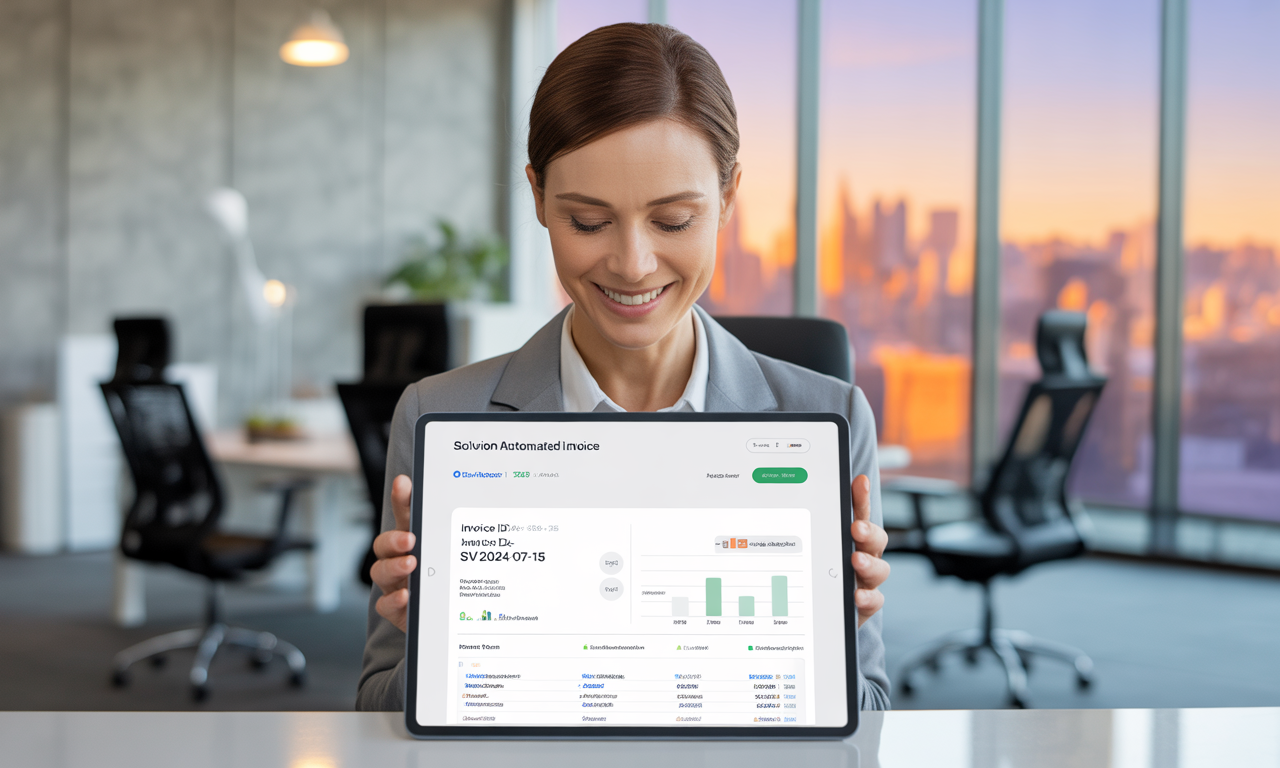
Once invoices are generated, Solvision can automatically send them to clients via email or other delivery channels configured by the business. It also supports sending payment reminders to encourage on-time payments, reducing days sales outstanding (DSO).
5. Real-Time Invoice Tracking Dashboard
Stay informed with a comprehensive dashboard that displays the status of all invoices — whether sent, viewed, paid, or overdue. This transparency enables businesses to monitor cash flow closely and quickly address any payment issues.
6. Multi-Currency and Multi-Language Support
For businesses operating internationally, Solvision supports multiple currencies and languages, allowing seamless invoicing tailored to global clients’ needs.
7. Strong Security and Compliance Features
Data security is paramount. Solvision ensures all financial data and client information are encrypted and stored securely. It also maintains compliance with GDPR, HIPAA, and other relevant data protection standards, giving businesses peace of mind.
Benefits of Using Solvision for Your Business
Saves Time and Reduces Administrative Burden
By automating the labor-intensive invoicing tasks, Solvision frees up valuable staff time, allowing your team to focus on core business activities and growth initiatives.
Minimizes Errors and Ensures Accuracy
Automation reduces human errors related to data entry and calculations, contributing to more accurate invoices and fewer disputes.
Accelerates Cash Flow and Enhances Financial Management
With faster invoice delivery and automatic reminders for late payments, Solvision helps businesses get paid quicker, improving liquidity and financial stability.
Provides Insights for Strategic Decision-Making
The real-time analytics and reporting capabilities empower managers to make data-driven decisions regarding billing cycles, customer payment behaviors, and revenue forecasting.
Improves Customer Relationships
Professional, timely invoicing signals reliability and professionalism, strengthening client trust and satisfaction.
How Solvision Modernizes Your Invoicing Process
With the emergence of digital transformation, manual invoicing is increasingly becoming obsolete. Solvision’s automation leverages artificial intelligence, cloud-based processing, and smart integrations that bring invoicing into the modern age:
- Cloud Accessibility: Manage invoices anytime, anywhere, on multiple devices without the need for complex installations.
- AI-Powered Automation: Reduces human intervention through smart learning algorithms.
- Mobile-Friendly Interface: Enables business owners and staff to review and manage invoices on the go.
- Scalable Solution: Suitable for startups to large enterprises, adapting as your business grows.
By embracing Solvision, businesses can eliminate inefficiencies, boost operational productivity, and stay competitive.
How to Get Started with Solvision Automated Invoice Tool
Starting with Solvision is straightforward:
- Sign Up and Set Up Your Account: Create your profile and configure basic business settings.
- Connect Your Accounting Software: Integrate your existing bookkeeping tools.
- Import Customer and Transaction Data: Upload your client database and relevant transactions.
- Customize Invoice Templates: Tailor your invoices to reflect your brand.
- Start Generating and Sending Invoices Automatically: Leverage the automation features immediately.
Solvision offers comprehensive onboarding support and tutorials to ensure a smooth transition.
Conclusion
The Solvision Automated Invoice Tool stands out as the smartest solution for businesses seeking to simplify and modernize their invoicing processes. By automating critical tasks, integrating seamlessly with financial systems, and providing real-time analytics, Solvision helps companies save time, reduce errors, and improve cash flow. Its user-friendly design, robust security features, and scalability make it a valuable asset for businesses of all sizes aiming to achieve efficient and professional invoicing.
Investing in Solvision means investing in the future of your business’s financial health and operational excellence. Embrace the power of automation with Solvision and experience a smarter, more streamlined invoicing process today.
Frequently Asked Questions (FAQs)
1. Is the Solvision Automated Invoice Tool suitable for small businesses?
Absolutely! Solvision is designed to cater to businesses of all sizes, including small and medium enterprises (SMEs). Its user-friendly interface and scalable features make it a perfect fit for companies looking to streamline invoicing without significant IT overhead.
2. Can Solvision handle recurring invoices and subscription billing?
Yes, Solvision includes automation for recurring invoices, allowing businesses to set up subscriptions or repeat billing cycles with ease. This reduces repetitive work and ensures timely invoicing for continuous services.
3. How does Solvision ensure data security and privacy?
Solvision employs advanced encryption methods for data storage and transmission. It is compliant with major data protection regulations such as GDPR and HIPAA. Regular security audits and strict access controls safeguard your financial and client information.
4. Can I integrate Solvision with my existing accounting software?
Yes, Solvision supports seamless integrations with most popular accounting and ERP platforms like QuickBooks, Xero, SAP, and more, ensuring a smooth flow of data between invoicing and accounting systems.
5. Is there a mobile app available for Solvision?
Solvision offers a mobile-friendly web interface that works across all devices. Additionally, dedicated mobile apps are available for iOS and Android, enabling you to access, manage, and send invoices directly from your smartphone or tablet.