


Solvision Free Invoice Builder Aug 2025: Create Professional Invoices, Track Payments, and Manage Your Business Finances with Our Comprehensive Online Invoice Generation Platform

In today’s fast-paced business environment, effective invoicing is the backbone of solid financial management. Whether you’re a freelancer, small business owner, or aspiring entrepreneur, a reliable, user-friendly invoice builder is a non-negotiable asset. That’s where Solvision Free Invoice Builder Aug 2025 comes in—a modern, feature-rich online platform that empowers users to create professional invoices, track payments, and manage every aspect of business finances with ease.
What is Solvision Free Invoice Builder?
Solvision Free Invoice Builder is a cutting-edge, cloud-based platform designed to revolutionize how businesses and freelancers generate invoices, track payments, and organize their financial data. Launched in August 2025, it aims to eliminate the complexities associated with billing, offering a streamlined, intuitive interface that ensures timely payments and clear financial workflows.
Whether you operate a startup, small business, or freelance operation, Solvision’s free invoice maker provides a secure, easy-to-use solution for all your invoicing needs—no technical skills required.
Key Points:
- 100% Online: No downloads or installations.
- Free To Use: Zero cost for core invoicing and payment tracking features.
- Real-Time Access: All your invoices, anytime, anywhere.
Top Features of Solvision Free Invoice Builder (2025 Edition)
Solvision’s latest platform isn’t just another invoice generator—it’s a complete financial toolkit tailored for modern professionals. Here’s what makes it stand out:
1. Professional Invoice Templates
Choose from a wide range of professionally designed, customizable templates. Add your logo, color palette, business details, and personalized notes to enhance your brand every time you bill a client.
2. Intuitive User Interface
A clean dashboard ensures seamless navigation, letting you create invoices in minutes. No steep learning curve or overwhelming menus—just start invoicing right away.
3. Multi-Currency Support
Deal with clients globally? Solvision lets you generate invoices in over 150 currencies, supporting your international business expansion.
4. Payment Tracking & Automated Reminders
Instantly see which invoices are unpaid, overdue, or settled. Set up automated email reminders to nudge clients if payments are late.
5. Secure Cloud Storage
All your invoices and payment data are safely encrypted on the cloud—access everything 24/7 from any device.
6. Tax Calculation and Compliance
Automate tax calculations (e.g., VAT, GST) and attach them to each invoice, keeping you compliant with local and international regulations.
7. Expense & Revenue Reports
Comprehensive analytics dashboard gives you a full view of your revenue streams, expenses, and cash flow with just a click.
8. Seamless Integrations
Works with popular accounting and business software like QuickBooks, Xero, Stripe, PayPal, and more via API or direct plugins.
9. Mobile Accessibility
Mobile-friendly, responsive design for invoice creation and management on smartphones and tablets.
10. Eco-Friendly Digital Invoicing
Reduce paper waste with digital-only invoices, perfectly formatted for PDF download or direct email.
How to Create Professional Invoices Online: Step-by-Step Guide
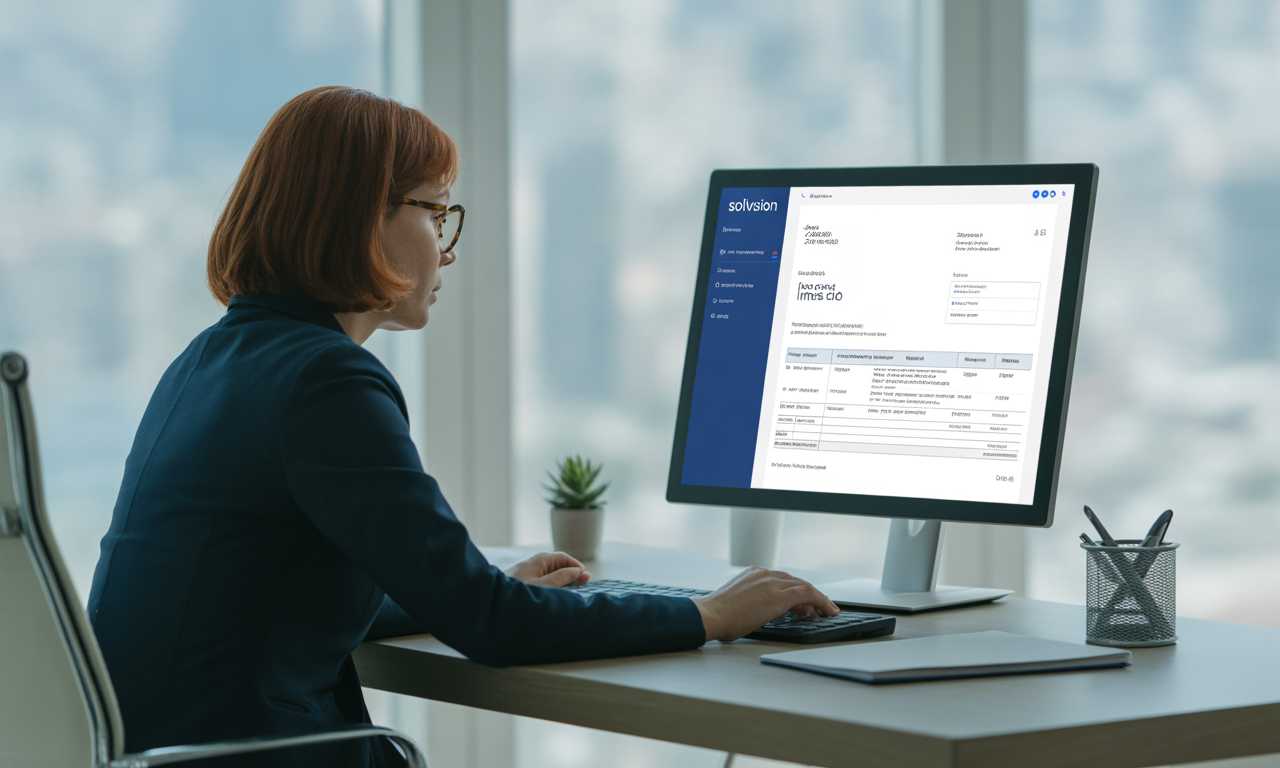
Creating an invoice with Solvision is fast and straightforward. Here’s how:
Sign Up For Free
Visit Solvision’s website and register for a free account using your email. No credit card needed.
Select a Template
Pick from dozens of customizable invoice templates tailored for various industries and business sizes.
Fill Out Business & Client Details
Add your company name, logo, contact information, client details, and invoice number.
List Items/Services
Enter a breakdown of products or services provided, including quantity, rate, and any applicable taxes or discounts.
Set Payment Terms
Specify payment due date, accepted payment methods, and any relevant terms or notes for your client.
Preview & Send
Review your invoice for accuracy, then share it directly via email or download it as a PDF for manual delivery.
Track Payments
Monitor invoice status from the dashboard. Set automated follow-ups to remind clients about upcoming or overdue payments.
Why Choose Solvision Over Other Invoice Generators?
While there are many online invoice builders, Solvision Free Invoice Builder outshines competitors in four key areas:
1. Truly Comprehensive Yet Free
Unlike many invoicing apps that gate advanced features behind paywalls, Solvision provides robust payment tracking, analytics, unlimited invoices, and reminders—free of charge.
2. No Hidden Fees or Ads
Solvision’s business model is transparent. There are no hidden charges, aggressive upselling, or intrusive ads within the app.
3. Unmatched Customizability
From adding additional fields (such as PO numbers or custom descriptions) to uploading your own branding assets, Solvision’s template engine is fully flexible.
4. Focus on Security and Privacy
All data is encrypted and compliant with the latest GDPR and global data privacy standards.
Secure Payment Tracking and Financial Management
Tracking payments is vital for business success. Solvision’s free invoice generator empowers you to:
- Instantly view which invoices are unpaid, overdue, or paid.
- Record partial payments and adjustments.
- Set up automated payment reminders to reduce late payments.
- Reconcile bank transactions and integrate payment gateways for real-time status updates.
The result? Improved cash flow and less time spent chasing overdue payments.
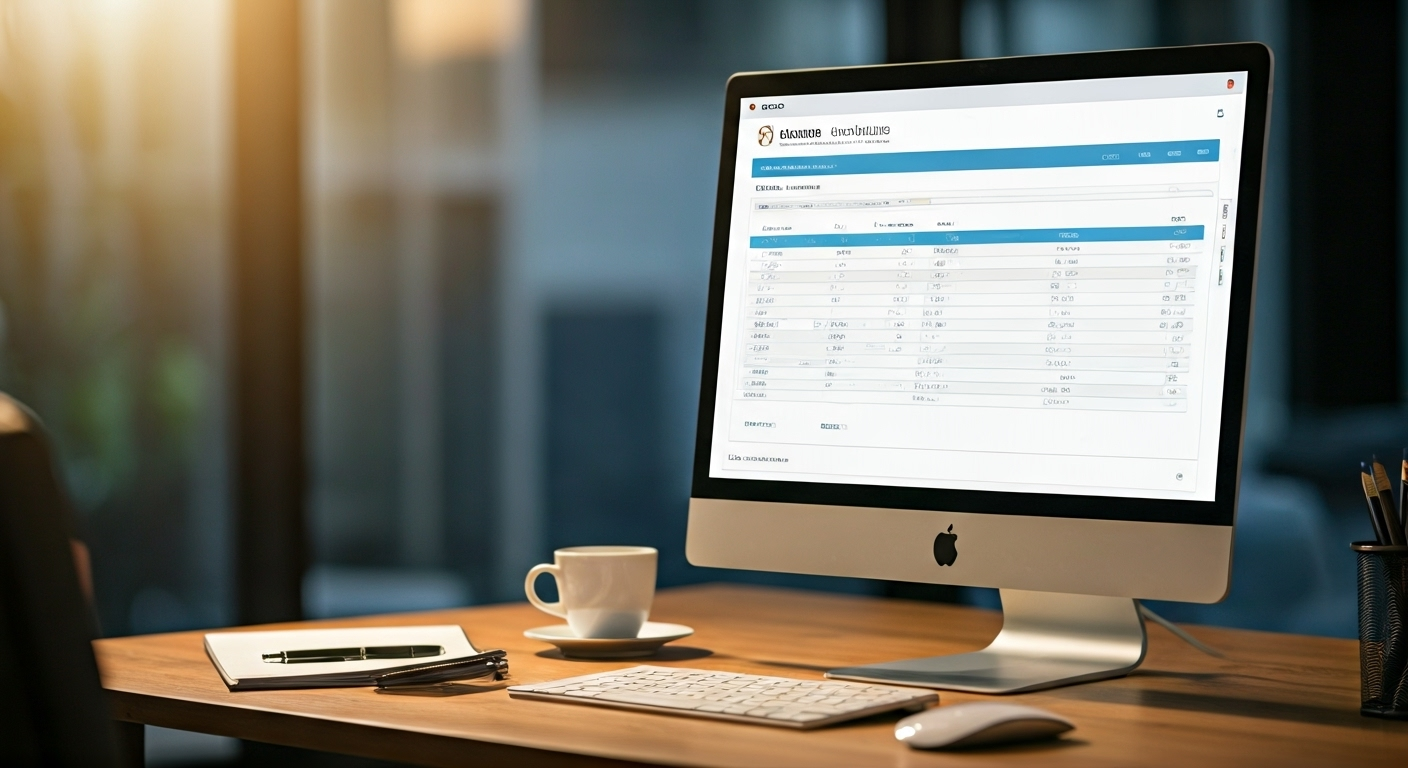
Custom Branding and Personalization
An invoice is more than just a bill—it’s an extension of your brand identity. Solvision allows:
- Inserting business logos, custom headers, and personalized contact info.
- Selecting color schemes to match your brand style guide.
- Adding thank-you notes, custom footers, or promotional messages.
Bonus: Consistently branded invoices build trust and reinforce your company’s professionalism.
Effortless Tax Calculation and Compliance
Manually calculating taxes can be tedious and error-prone. Solvision automates this process:
- Set global or regional tax rates (VAT, GST, sales tax, etc.)
- Automatically apply tax rates to applicable items or services.
- Generate compliant invoices that are ready for audits and tax filing.
Stay on the right side of tax authorities without breaking a sweat!
Integration With Accounting Tools & Business Apps
Gone are the days of double entry or manual data migration. Solvision integrates with numerous platforms:
- QuickBooks & Xero: Export invoices and payment data directly.
- Stripe & PayPal: Invoice and receive payments online instantly.
- Google Workspace, Zapier & More: Sync your invoice data across your productivity stack.
Grow with Solvision as you expand and automate your enterprise.
Mobile-Friendliness: Create and Manage Invoices On-the-Go
Business doesn’t wait. Solvision’s responsive design ensures you can:
- Generate invoices from your phone or tablet.
- Check payment statuses while traveling.
- Send reminders and mark payments as received in real-time.
Never miss an opportunity—or a payment—again.
Solvision For Freelancers, SMEs, and Enterprises
For Freelancers
Deliver a professional touch to every client engagement. Solvision keeps your billing organized, transparent, and hassle-free.
For Small to Medium Enterprises
Handle multiple clients and projects, track payments, and generate financial reports for smarter decision-making.
For Enterprises
Leverage Solvision’s bulk invoicing, multi-user support, and API integrations to streamline large-scale operations.
Solvision Pricing 2025: Is it really free?
Yes, Solvision’s core invoice builder remains free as of August 2025. Users can generate unlimited invoices, track payments, and access reporting features with no charge.
Optional premium features (such as advanced integrations or priority support) are available for a reasonable monthly fee, but are entirely optional.
Summary:
- Unlimited invoices/month: FREE
- Unlimited clients & payment tracking: FREE
- Analytics, reminders, and templates: FREE
- Optional premium add-ons: Paid (but not required for main functionality!)
Getting Started With Solvision Free Invoice Builder
Ready to take control of your business finances? Here’s how to begin:
- Create an Account: Go to Solvision’s website and register for free.
- Personalize Your Profile: Upload your logo and set your business info.
- Choose a Template
- Create and Send Your First Invoice
- Track Payments & Run Reports
That’s it—you’re ready to revolutionize how you invoice and manage business finances!
Future Updates: AI, Automation, and Beyond
Solvision is continually evolving. Here’s what the platform is working on for late 2025 and beyond:
- AI-Powered Recurring Invoicing: Let the platform auto-generate regular bills for subscription-based clients.
- Expense Scanning: Photograph receipts and have Solvision auto-import expenses.
- Localized Compliance Features: New templates for region-specific tax/GST rules.
- Chatbot Support: 24/7 virtual financial assistant built into the platform for instant help.
Expect Solvision to stay ahead of the curve with innovation and security.
Conclusion
Solvision Free Invoice Builder Aug 2025 isn’t just another online invoicing tool—it’s a complete platform that transforms your approach to billing, payment tracking, and business finance management. With industry-leading features, mobile-friendly access, and zero cost for core invoicing, Solvision is the smart choice as you grow your business in 2025 and beyond.
Don’t let invoice headaches slow down your business. Sign up for Solvision’s Free Invoice Builder today and upgrade your finance operations to the next level of professionalism and efficiency!
Frequently Asked Questions (FAQs)
1. Is Solvision Free Invoice Builder truly free?
Yes, Solvision’s core features—including professionally designed invoice templates, payment tracking, and basic reports—are completely free. Optional advanced tools and integrations are available via premium plans, but are not required for general invoice creation and tracking.
2. Do I need to download or install anything to use Solvision?
No. Solvision is a 100% online platform. You can access it securely from any modern browser on your desktop, tablet, or mobile device—without downloading or installing software.
3. Can I use Solvision to invoice international clients in different currencies?
Absolutely! Solvision supports over 150 global currencies. Simply choose the appropriate currency when generating your invoice and the platform will handle all formatting and calculations.
4. How secure is my financial and client data on Solvision?
Data security is a top priority. All information is encrypted in transit and at rest, compliant with GDPR, CCPA, and other major privacy regulations.
5. Does Solvision integrate with my accounting and payment systems?
Yes—Solvision seamlessly integrates with top accounting tools (like QuickBooks, Xero), payment platforms (Stripe, PayPal), and workflow automation tools (Zapier), making your financial management process even more efficient.