


Top 10 Features of Solvision Invoice Creating Software You Need to Know in June 2025

In today’s fast-paced business environment, efficient invoice management is crucial for maintaining healthy cash flow and professional relationships. Team Solvision has emerged as a leading provider of comprehensive invoicing and payments software, revolutionizing how businesses handle their financial operations. This article explores the top 10 features of Solvision’s invoice creating software that make it an indispensable tool for businesses of all sizes in 2025.
Solvision’s invoice creating software offers an all-in-one solution that combines professional invoice creation, automated payment processing, real-time tracking, and intelligent automation features. Whether you’re a freelancer, small business owner, or part of a large enterprise, these features will streamline your invoicing process, reduce administrative overhead, and accelerate payment collection while maintaining professional standards.
1. Professional Invoice Templates and Customization
One of the standout features of Solvision’s invoice creating software is its extensive library of professional invoice templates. The platform offers a wide variety of customizable templates that cater to different industries and business types. From employed invoice templates to freelancer-specific designs, businesses can choose templates that align with their brand identity.
The customization capabilities extend beyond basic color schemes and logos. Users can modify layouts, add custom fields, include terms and conditions, and even incorporate multiple languages to serve international clients. This level of personalization ensures that every invoice maintains professional standards while reflecting the unique character of your business.
| Template Category | Number of Templates | Customization Options | Industry Focus |
|---|---|---|---|
| Standard Business | 15 | Colors, Logo, Layout | General Services |
| Creative Services | 12 | Portfolio Integration, Custom Fields | Design, Marketing |
| Consulting | 10 | Time Tracking, Project Breakdown | Professional Services |
| E-commerce | 8 | Product Catalogs, Tax Calculations | Retail, Online Sales |
2. Advanced Quote and Estimate Creation System
Solvision’s quote estimate creator represents a significant advancement in proposal management. This feature allows businesses to send professional quotes that can be easily converted to invoices with a single click, eliminating duplicate data entry and reducing the time between proposal and payment.
The quote creation system includes detailed cost breakdowns, terms and conditions, validity periods, and approval workflows. Clients can review, approve, and digitally sign quotes directly through the platform, creating a seamless transition from proposal to project execution.
Key Benefits of the Quote System:
- One-click conversion from quote to invoice
- Digital signature integration
- Automated follow-up sequences
- Version control and revision tracking
- Multi-currency support for international clients
3. Comprehensive Time Tracking Integration
For service-based businesses, accurate time tracking is essential for fair billing and project profitability. Solvision’s time tracking tool seamlessly integrates with the invoicing system, allowing users to track billable hours for projects or services and automatically convert them into detailed invoices.
The time tracking feature includes project categorization, task-specific logging, and productivity analytics. Team members can log time using desktop applications, mobile apps, or web interfaces, ensuring that no billable hour goes unrecorded. The system also includes approval workflows for team-based projects and detailed reporting for project profitability analysis.
| Time Tracking Feature | Benefit | Impact on Invoicing | User Rating |
|---|---|---|---|
| Automatic Time Capture | Eliminates manual entry errors | 100% accurate billing | 4.8/5 |
| Project Categorization | Detailed cost analysis | Clear project breakdowns | 4.7/5 |
| Mobile Time Logging | Remote work compatibility | Real-time invoice updates | 4.9/5 |
| Team Collaboration | Multi-user project tracking | Consolidated billing | 4.6/5 |
4. Intelligent Payment Reminder System
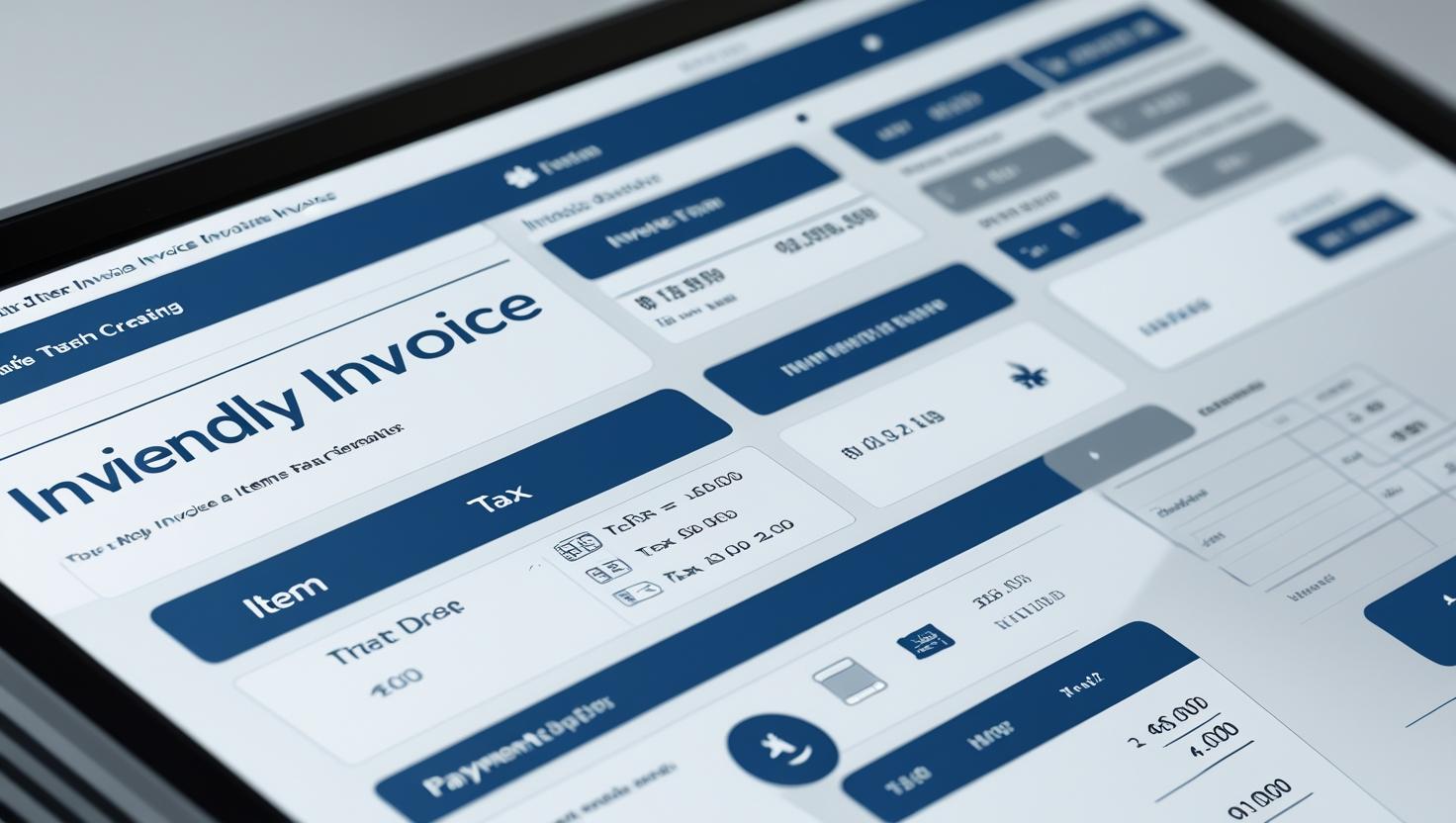
Cash flow management becomes significantly easier with Solvision’s automated payment reminders system. This feature automatically sends reminders for overdue invoices, reducing the need for manual follow-up and improving collection rates.
The system allows for customizable reminder schedules, personalized messaging, and escalation procedures. Businesses can set up gentle initial reminders that gradually become more assertive, maintaining professional relationships while ensuring timely payments. The automation reduces administrative burden and ensures consistent follow-up practices.
Payment Reminder Features:
- Customizable reminder schedules (1 day, 7 days, 30 days overdue)
- Personalized message templates
- Multi-channel communication (email, SMS, postal mail)
- Escalation workflows
- Payment link integration for immediate settlement
5. Advanced Dunning Management Tool
For businesses dealing with persistent payment delays, Solvision’s dunning management tool automates the process of collecting overdue payments. This sophisticated system goes beyond simple reminders to implement structured collection procedures that maximize recovery rates while maintaining professional relationships.
The dunning management system includes credit scoring, payment history analysis, and risk assessment features. It can automatically adjust collection strategies based on client behavior patterns and payment history, ensuring that the approach is both effective and appropriate for each situation.
6. Real-Time Invoice Tracking and Monitoring
Solvision’s invoice tracking system provides real-time visibility into invoice status, allowing businesses to monitor when invoices are sent, viewed, paid, or become overdue. This transparency enables proactive cash flow management and helps identify potential collection issues before they become problematic.
The tracking system includes detailed analytics showing client payment patterns, average payment times, and collection success rates. This data helps businesses make informed decisions about credit terms, payment methods, and client relationships.
| Invoice Status | Tracking Capabilities | Automated Actions | Reporting Features |
|---|---|---|---|
| Sent | Delivery confirmation, Open rates | Follow-up scheduling | Sending analytics |
| Viewed | View timestamps, Duration | Engagement notifications | Client interaction reports |
| Paid | Payment confirmation, Method | Receipt generation | Payment analytics |
| Overdue | Days overdue, Risk assessment | Reminder triggers | Collection reports |
7. Multi-Currency and International Payment Support
In an increasingly global business environment, Solvision’s multi-currency support enables businesses to invoice international clients in their preferred currencies. The system automatically handles currency conversions, tax calculations, and compliance requirements for different jurisdictions.
The international payment support includes integration with major payment gateways, support for various payment methods (bank transfers, credit cards, digital wallets), and automated currency conversion with real-time exchange rates. This feature is particularly valuable for businesses expanding into international markets or serving diverse client bases.
8. Comprehensive Reporting and Analytics
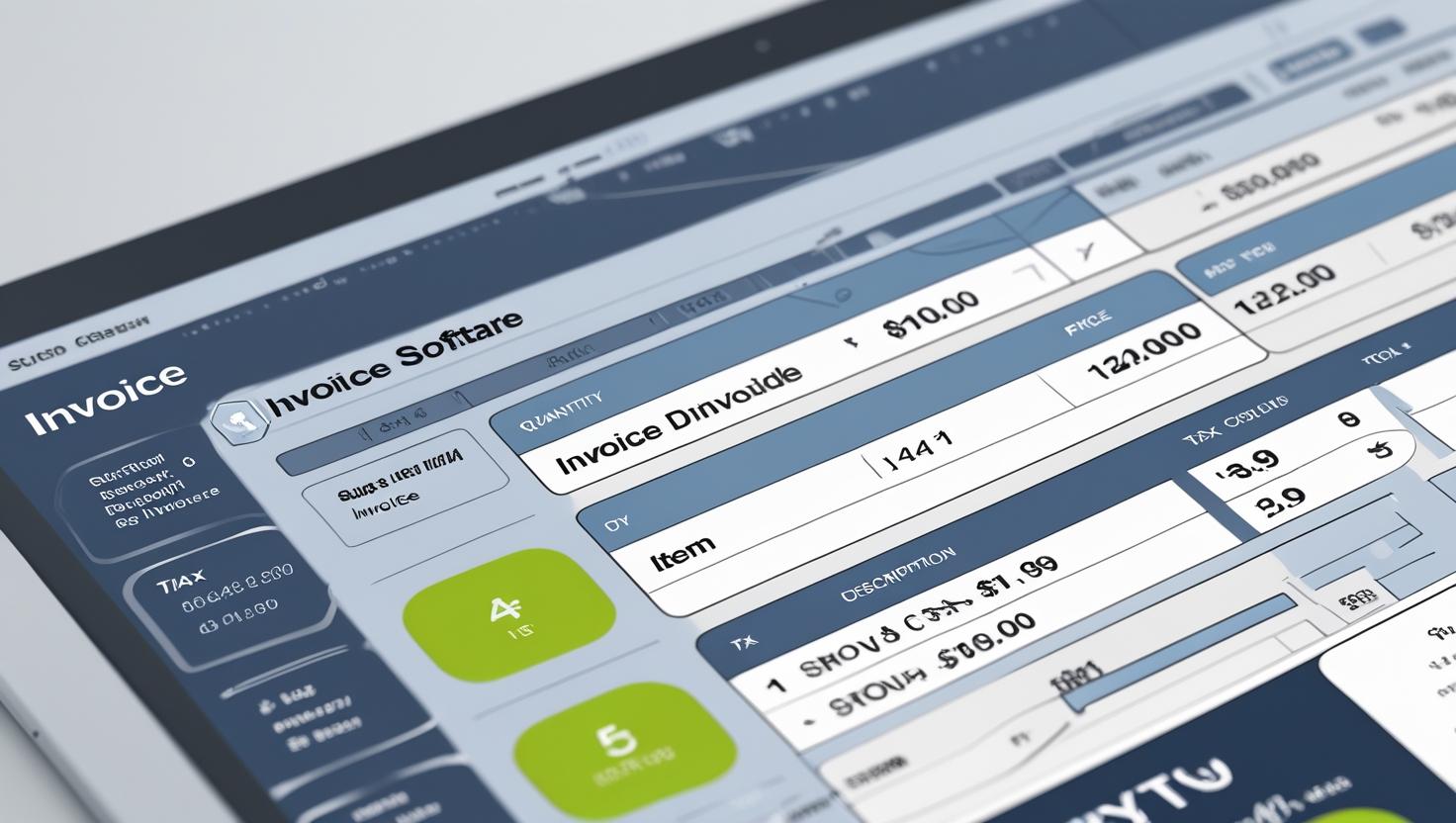
Data-driven decision making is facilitated through Solvision’s comprehensive reporting and analytics suite. The platform generates detailed reports on invoicing performance, payment trends, client behavior, and business financial health. These insights enable businesses to optimize their invoicing processes and improve cash flow management.
The reporting system includes customizable dashboards, automated report generation, and export capabilities for integration with accounting systems. Users can track key performance indicators such as average payment time, collection rates, and revenue forecasting.
9. Seamless Integration Capabilities
Solvision’s invoice creating software integrates seamlessly with popular business tools and accounting systems, ensuring that invoicing data flows smoothly throughout the organization. The platform supports integrations with CRM systems, project management tools, accounting software, and payment processors.
These integrations eliminate data silos and reduce manual data entry, improving accuracy and efficiency. The API-first architecture ensures that businesses can connect Solvision with their existing technology stack without disrupting established workflows.
Popular Integrations Include:
- QuickBooks and Xero for accounting
- Salesforce and HubSpot for CRM
- Asana and Trello for project management
- PayPal and Stripe for payment processing
- Microsoft Office and Google Workspace for productivity
10. Mobile Accessibility and Cloud-Based Architecture
The mobile-first approach of Solvision’s platform ensures that users can manage their invoicing needs from anywhere, at any time. The responsive design and dedicated mobile applications provide full functionality across all devices, supporting the modern business need for flexibility and remote work capabilities.
The cloud-based architecture ensures data security, automatic backups, and seamless synchronization across devices. This approach also enables real-time collaboration among team members and provides scalability as businesses grow.
| Platform Feature | Desktop | Mobile App | Web Browser | Offline Capability |
|---|---|---|---|---|
| Invoice Creation | Full Featured | Complete | Full Access | Draft Mode |
| Payment Processing | Complete | Full Support | All Methods | Queue for Sync |
| Reporting | Advanced | Key Metrics | Full Reports | Cached Data |
| Time Tracking | Full Featured | Real-time | Complete | Local Storage |
Why Choose Solvision for Your Invoicing Needs
Solvision stands out as the best free invoice app for small businesses and freelancers, offering enterprise-level features at accessible price points. The platform’s commitment to invoice accuracy and paperless invoicing aligns with modern business sustainability goals while improving operational efficiency.
The comprehensive service offering includes not just software but also support, training, and consulting services to help businesses maximize their invoicing efficiency. The platform’s focus on invoice processing solutions addresses the complete invoicing lifecycle from creation to collection.

Getting Started with Solvision
Implementation of Solvision’s invoice creating software is straightforward, with comprehensive onboarding support and training resources. The platform offers various pricing tiers to accommodate different business sizes and needs, from individual freelancers to large enterprises.
The Solvision homepage provides detailed information about features, pricing, and implementation support. New users can access free trials, demo sessions, and extensive documentation to ensure successful adoption of the platform.
Conclusion
Solvision’s invoice creating software represents a comprehensive solution for modern business invoicing needs. The top 10 features outlined in this article demonstrate the platform’s commitment to addressing the complete invoicing lifecycle, from professional quote creation to automated collection management.
The combination of professional templates, intelligent automation, comprehensive tracking, and seamless integrations makes Solvision an ideal choice for businesses looking to streamline their financial operations. The platform’s focus on user experience, mobile accessibility, and data-driven insights ensures that businesses can maintain professional standards while improving operational efficiency.
For businesses serious about improving their invoicing processes and cash flow management, Solvision offers the tools, support, and expertise needed to achieve these goals. The platform’s scalability ensures that it can grow with your business, adapting to changing needs while maintaining consistent performance and reliability.
Take the next step in optimizing your invoicing process by exploring Solvision’s comprehensive platform. Visit Solvision’s website today to schedule a demo, start your free trial, or speak with a specialist about how these features can transform your business operations. Join the thousands of businesses that have already discovered the benefits of professional, automated, and intelligent invoicing with Team Solvision.
Frequently Asked Questions (FAQs)
1. Is Solvision’s invoice creating software suitable for small businesses and freelancers?
Yes, Solvision is specifically designed to cater to businesses of all sizes, including small businesses and freelancers. The platform offers free plans and affordable pricing tiers that make professional invoicing accessible to solo entrepreneurs and small teams. The user-friendly interface and comprehensive templates ensure that even users without accounting experience can create professional invoices quickly and efficiently.
2. How does the quote-to-invoice conversion feature work?
The quote-to-invoice conversion feature allows you to create professional quotes using Solvision’s quote creator, send them to clients for approval, and then convert approved quotes directly into invoices with a single click. This eliminates duplicate data entry, reduces errors, and speeds up the billing process. The system maintains all quote details, pricing, and terms while automatically updating status tracking and payment schedules.
3. Can I track my invoices in real-time and see when clients view them?
Absolutely. Solvision’s invoice tracking system provides comprehensive real-time monitoring of all invoice activities. You can see when invoices are delivered, opened, viewed, and for how long clients spend reviewing them. The system also tracks payment status, overdue notifications, and client interaction patterns. This transparency helps you follow up appropriately and manage cash flow more effectively.
4. Does Solvision handle international invoicing and multiple currencies?
Yes, Solvision fully supports international invoicing with multi-currency capabilities, automatic currency conversion using real-time exchange rates, and compliance with various international tax requirements. The platform integrates with global payment gateways and supports different payment methods preferred in various countries. This makes it ideal for businesses serving international clients or expanding into global markets.
5. How secure is my financial data with Solvision’s cloud-based system?
Solvision employs enterprise-grade security measures including data encryption, secure cloud infrastructure, regular security audits, and compliance with international data protection standards. The cloud-based architecture ensures automatic backups, disaster recovery capabilities, and secure access controls. Your financial data is protected with the same level of security used by major financial institutions, and you can access your information safely from any device, anywhere in the world.
WHY CHOOSE OUR TEAM SOLVISION – THE INVOICING SOFTWARE? |
CONTACT INFORMATION |
|---|---|
|
|